Chinese handwriting · iPhone & iPad
HanziAgainKnow it.Write it again.
Rebuild handwriting memory in a private, offline practice loop—then carry it into a real creative Studio.
Requires iOS or iPadOS 27 or later
New in 2.0 · Available now
A smaller start. More room to write.
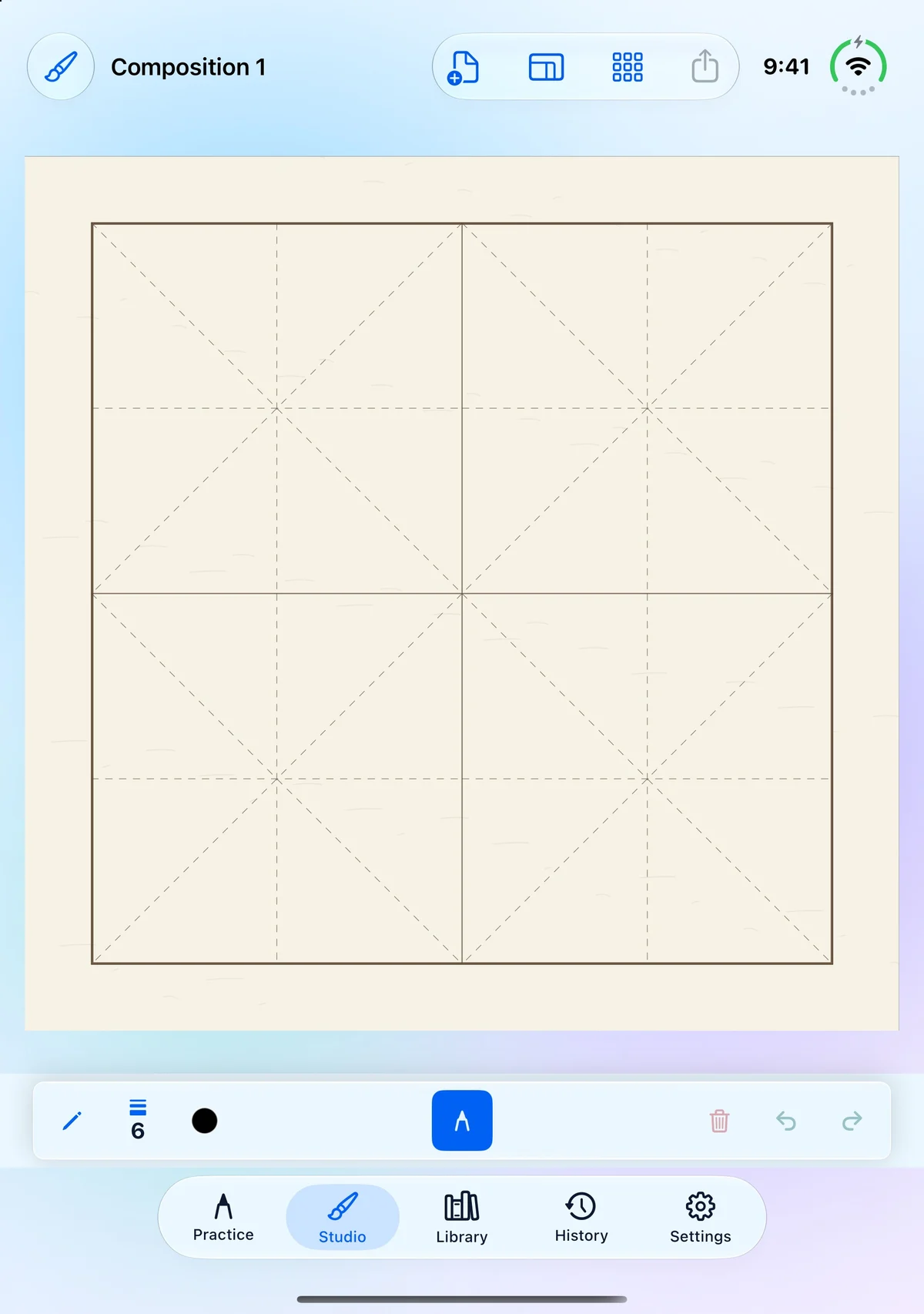
Start a new Studio work at 2 × 2, then enter rows and columns directly to find the shape you need. Your chosen size is remembered for the next work. Existing compositions keep their saved size.
- Choose your grid. Type dimensions when creating or resizing. Free Studio supports one work up to 10 × 10; Studio Lifetime supports up to 30 × 30.
- Keep the paper in focus. Refined portrait layouts and drawing controls on iPhone and iPad, including iPhone Duo cover and inner layouts.
- A more reliable start. Fixed a startup crash affecting some iPhones.
The practice loop
Recognition is only the beginning.
HanziAgain is for the familiar moment when you know a character—but your hand does not. Each session moves from reference to recall, then gives you a concrete reason to return.
- 01
Remember
Search 3,000 simplified and 3,000 traditional characters, hear Mandarin, and study stroke order before the guide disappears.
- 02
Write
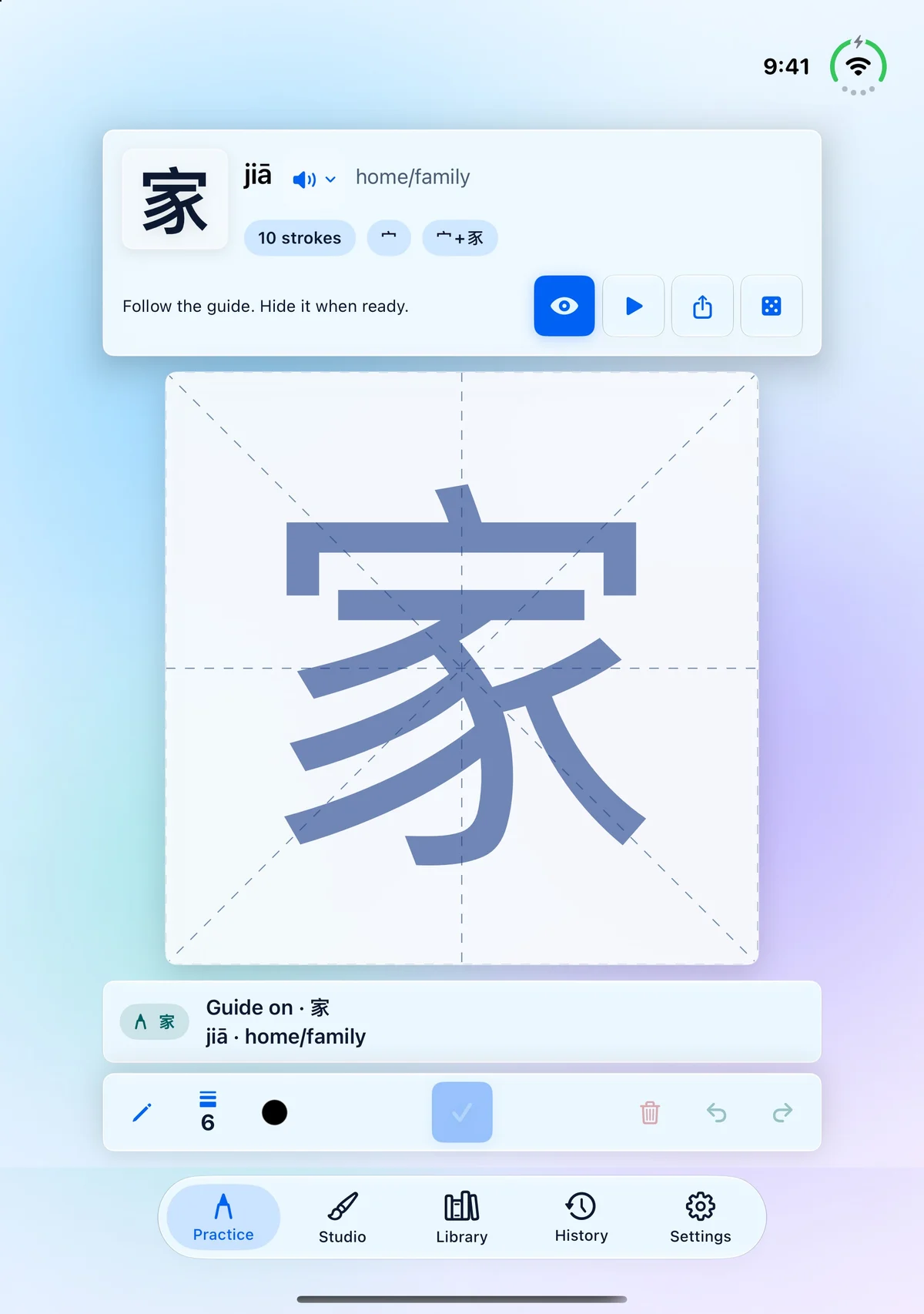
Use a finger, or Apple Pencil on iPad. Deterministic stroke guidance and on-device full-character recognition offer two distinct checks.
- 03
Return
Review local history, score trends, saved attempts, and the strokes that deserve another pass.
Guidance, not judgment
Two checks. One honest boundary.
Stroke alignment is deterministic. A completed character can also be checked with on-device recognition. Neither one claims to grade calligraphy quality.
Native on both
Focused on iPhone. Expansive on iPad.
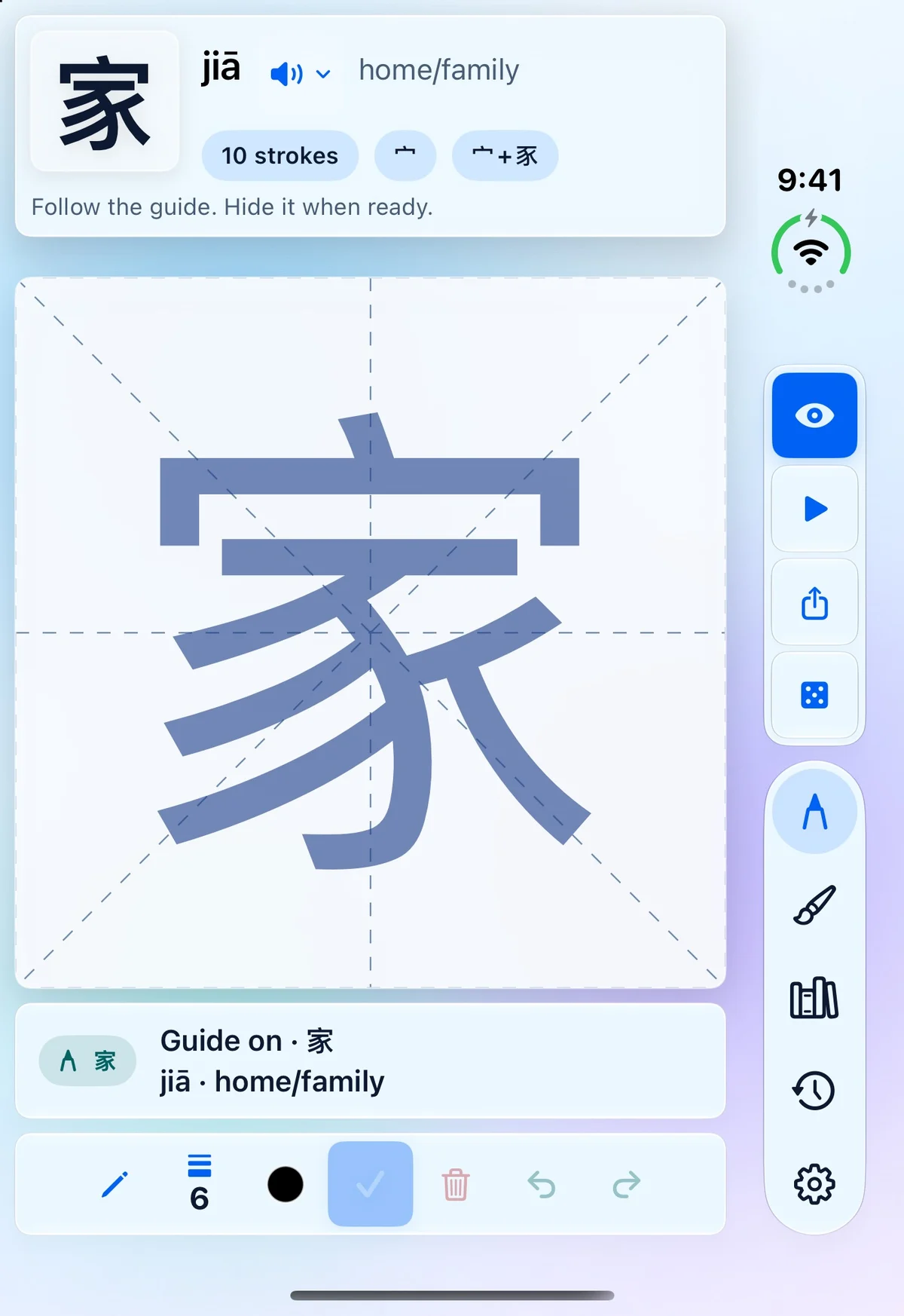
iPhone keeps one character and the next useful action close. iPad uses its width for a generous composition surface and direct controls.
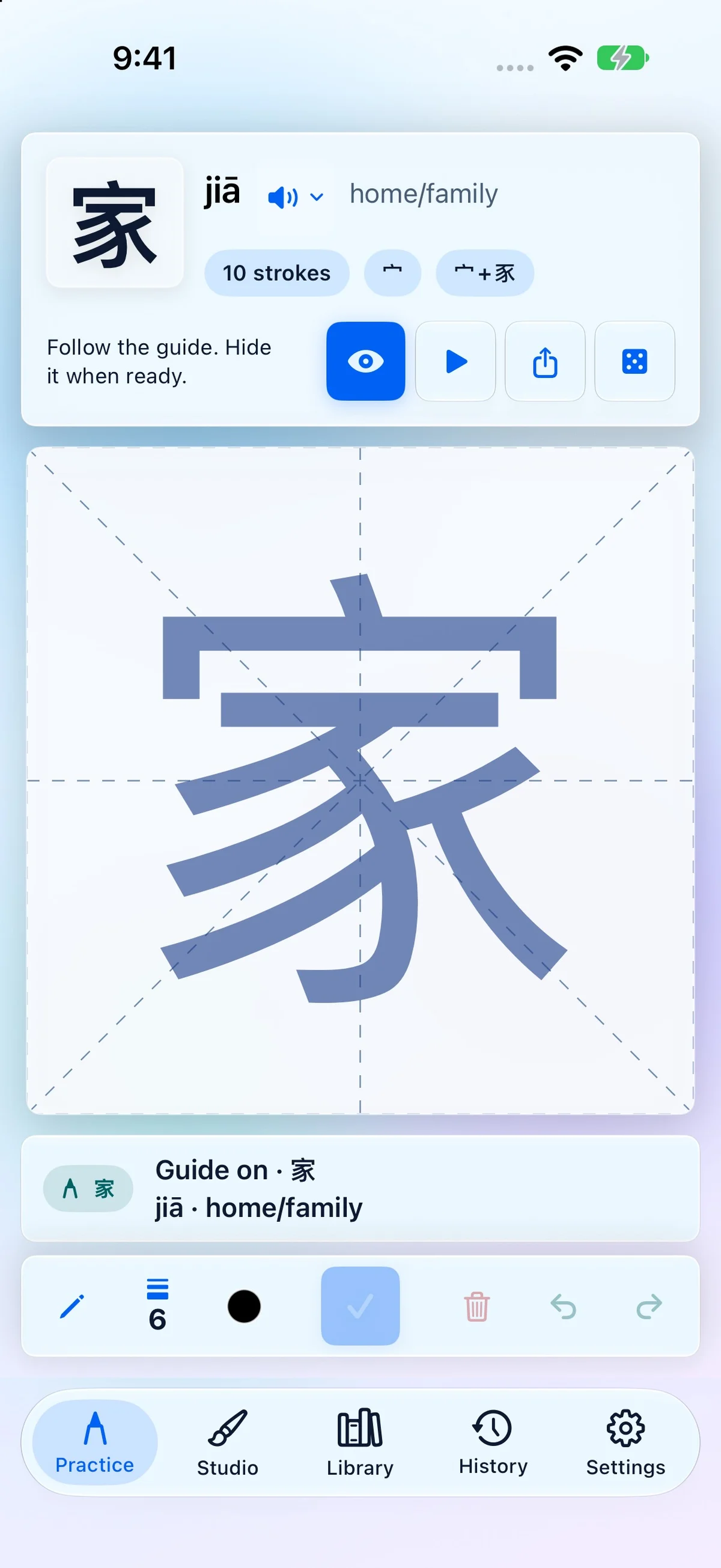
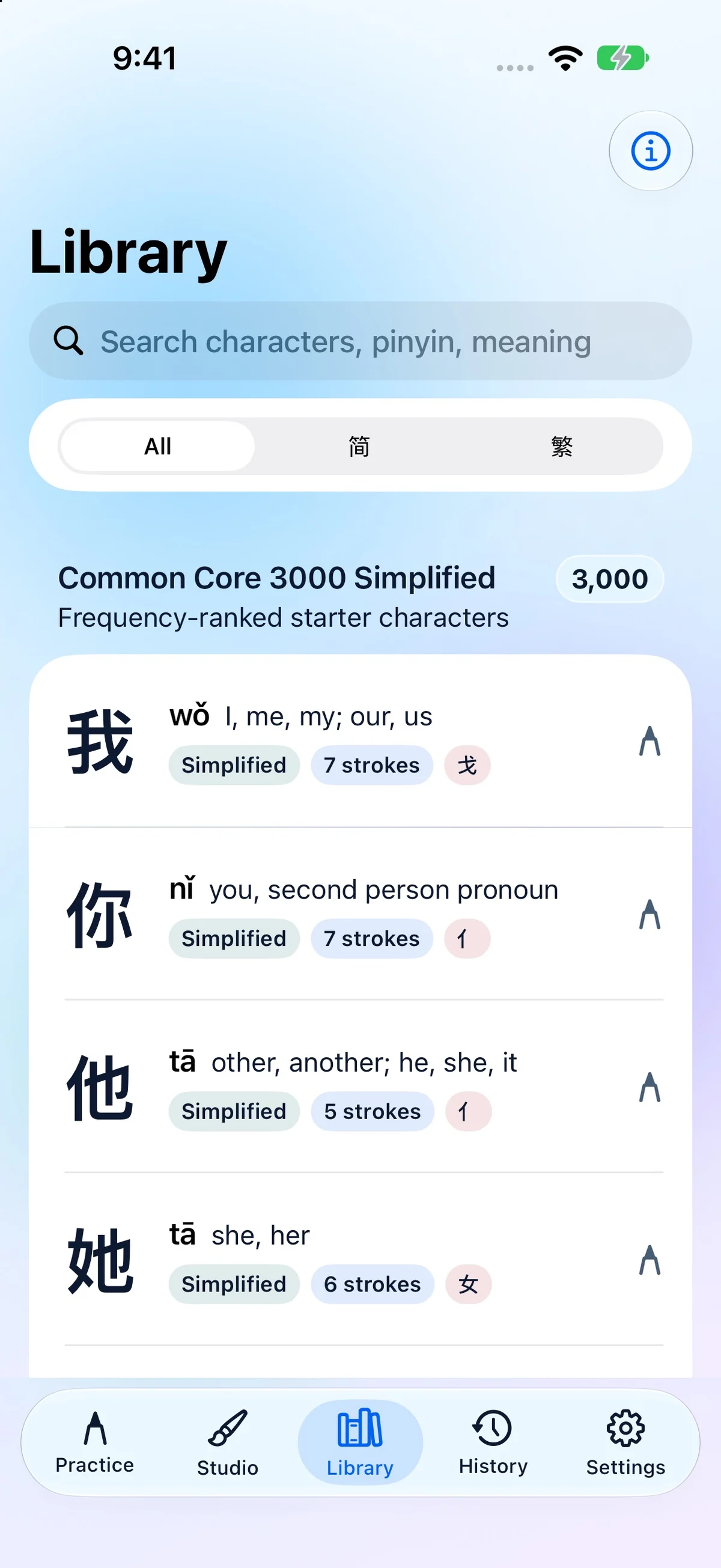
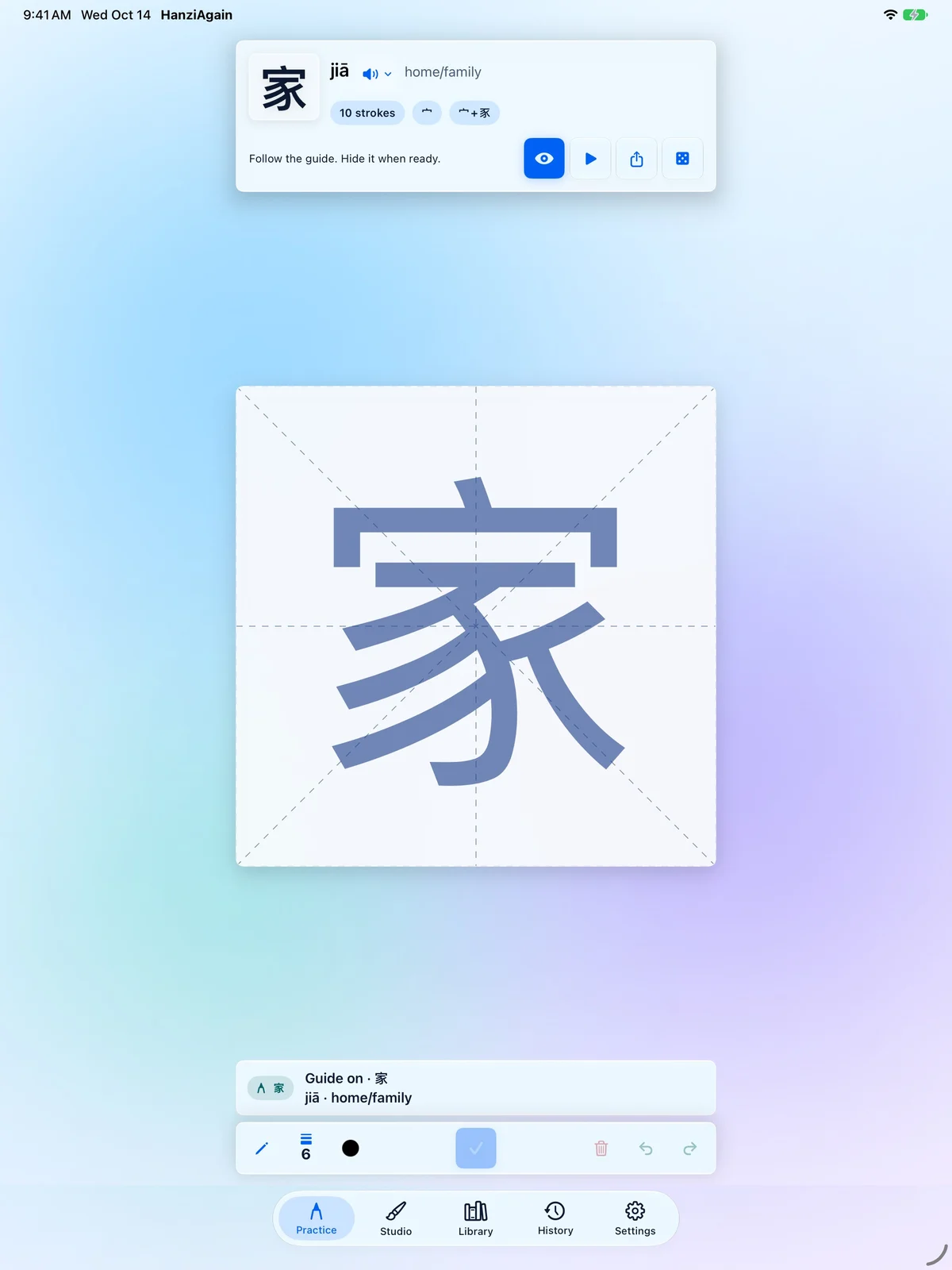
iPhone Duo · Liquid Glass
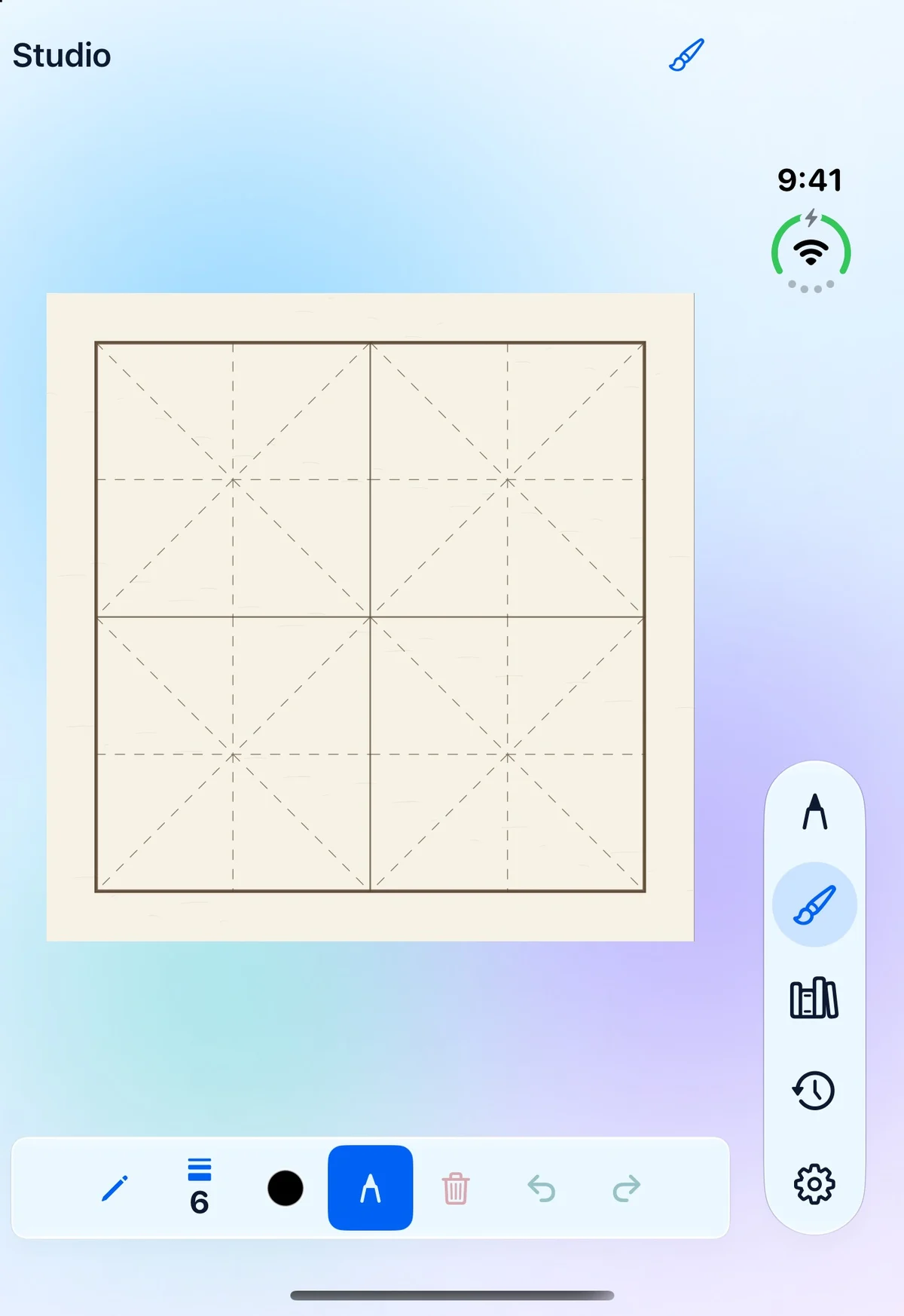
The paper stays central.
On the cover, controls sit beside the paper with a compact editor below. The inner display gives the writing surface more space. Both screens keep the writing workspace in a familiar portrait layout.
Private by design
Your handwriting stays yours.
No accountStart without signing in.
No app trackingThe app has no ads or analytics SDKs.
No uploadsPractice and recognition stay on device.
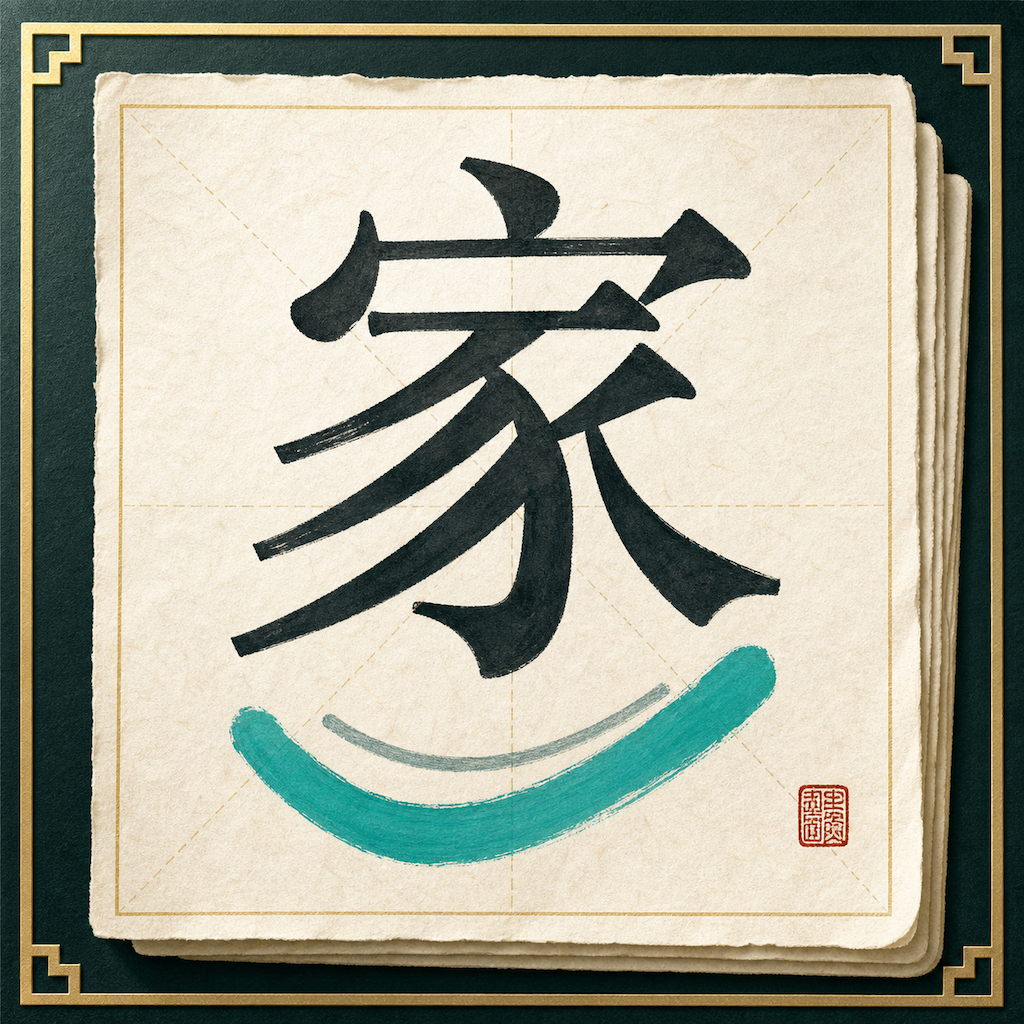
From practice to presentation
Keep learning free. Unlock the full Studio once.
Practice, Library, and History are free. The free Studio preview also includes one autosaved work up to 10 × 10, every writing guide and ink control, and plain PNG export without a watermark. New works start at 2 × 2 until you choose another size; the next new work remembers it.
One-time in-app purchase. No subscription. The localized price is shown by Apple before purchase.
- Unlimited Studio works
- Compositions up to 30 × 30
- Xuan paper, name seal, and mounting
- Presentation PNG and SVG export
Purchases are processed by Apple and can be restored from Settings. Family Sharing depends on the App Store product configuration and Apple Account eligibility.
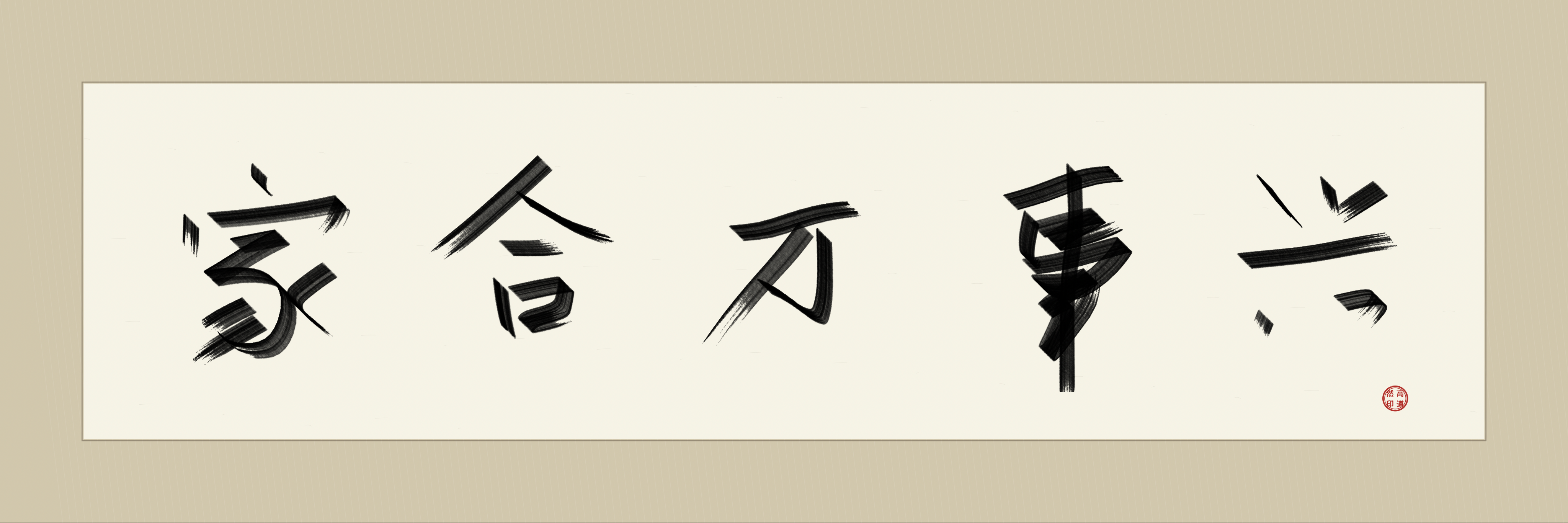
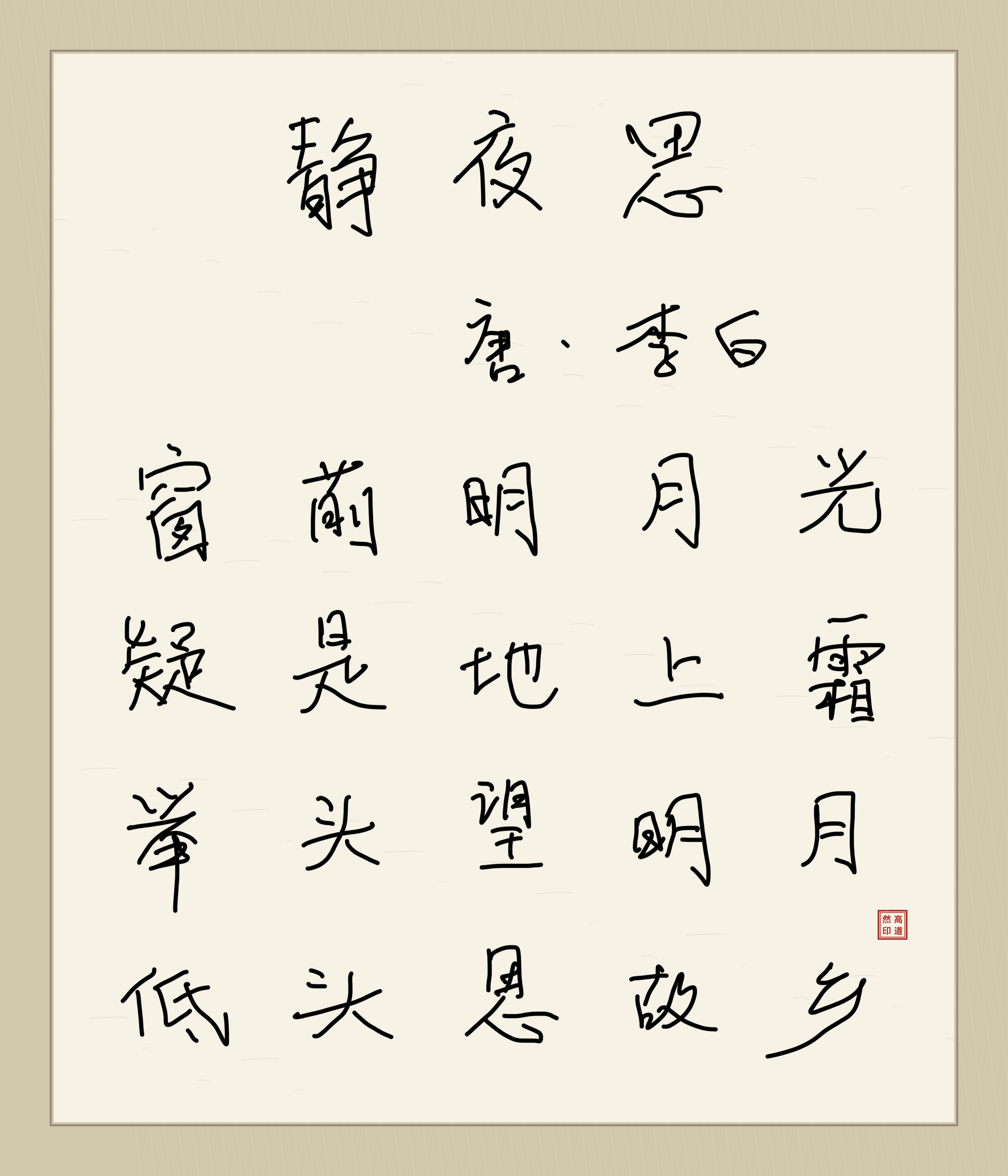
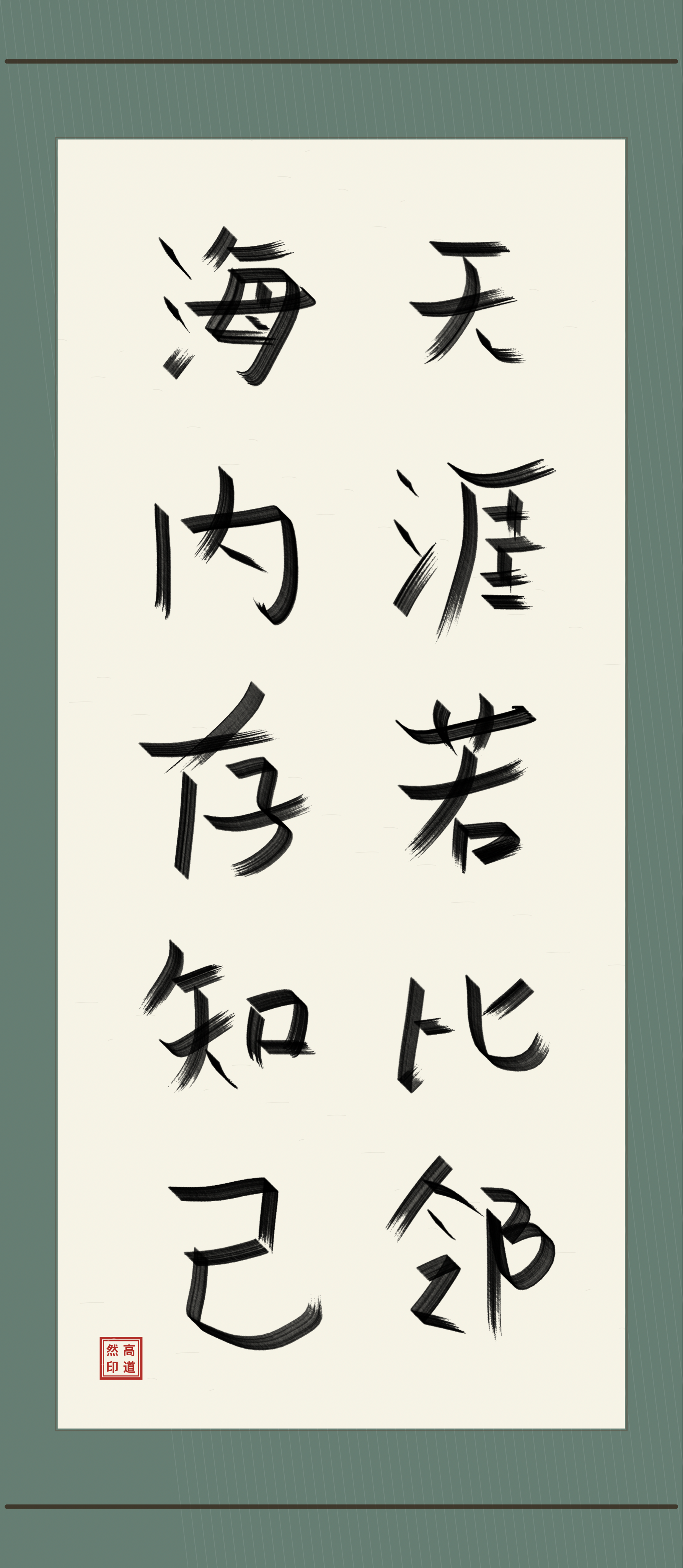
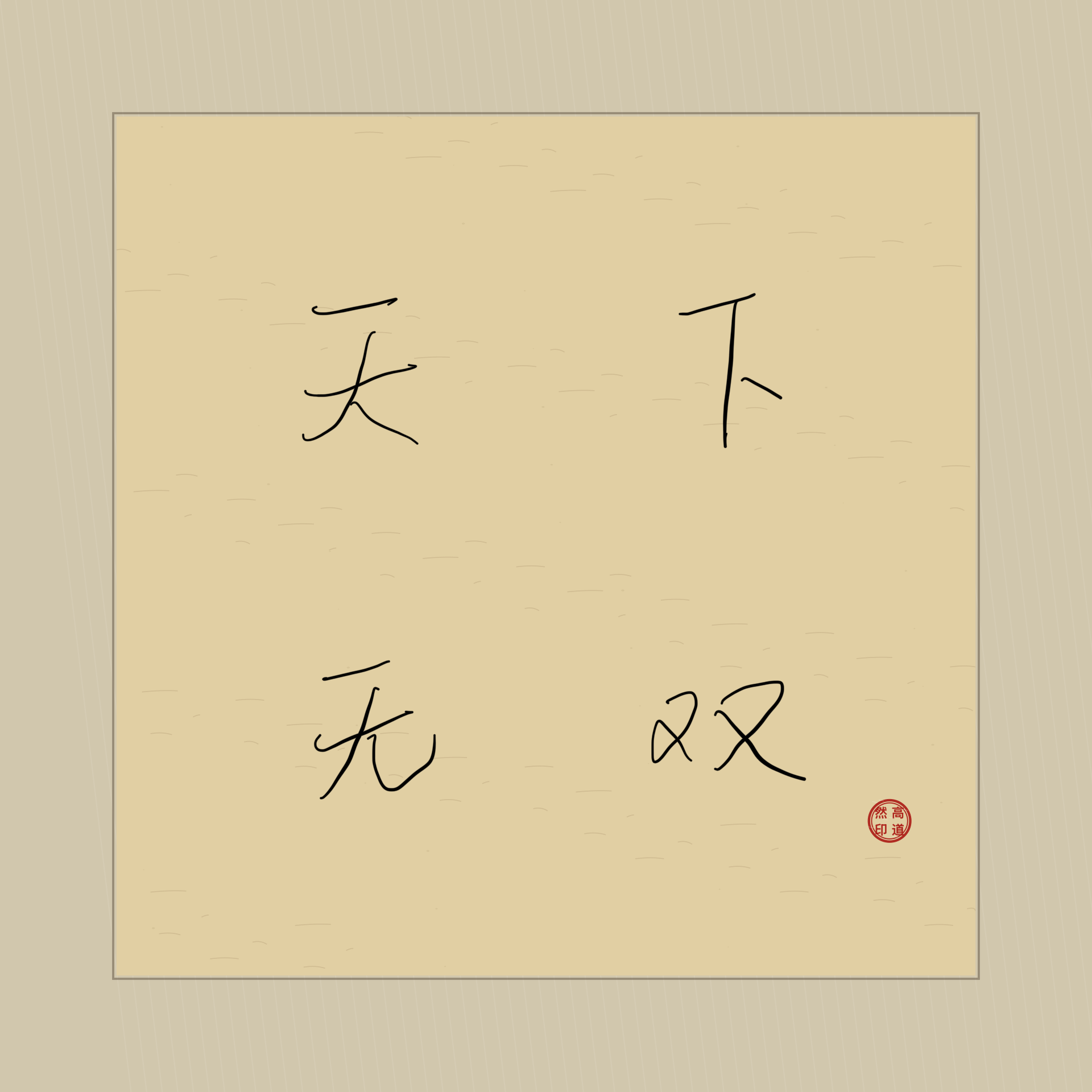
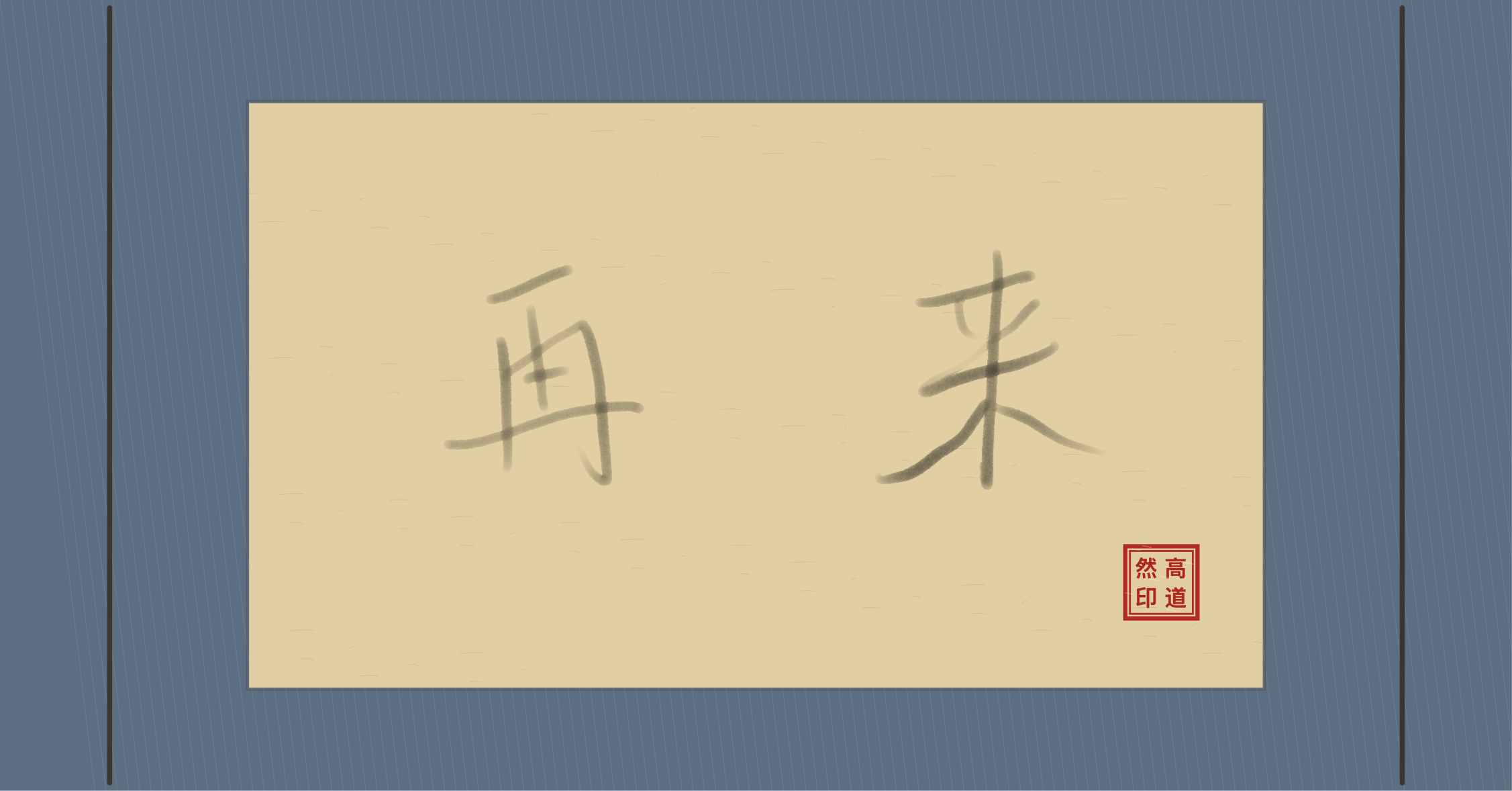
Made in Studio
Every composition finds its own shape.
HanziAgain Studio exports shown in their original square, portrait, and landscape proportions—from a compact study to a long hanging work.
Three materials · light your way
Choose the atmosphere that lets you focus.
Pick clear glass, a scholar's sky, or the quiet depth of Chinese ink landscape—then follow your device or settle into light or dark.
Start with one character
Let your hand remember.
Requires iOS or iPadOS 27 or later